What Is the Bouncing DVD Logo Tool?
The Bouncing DVD Logo Tool recreates the classic DVD screensaver in your browser. The logo moves across the screen, bounces off the edges, and can change color after each bounce. The preview starts automatically, so you can watch it right away or open it in full screen.
Features of the Tool

- Automatic preview: The DVD logo starts moving when the page loads.
- Color options: Keep the logo one color or choose a palette that changes when it hits an edge.
- Adjustable size and speed: Make the logo larger, smaller, faster, or slower.
- Custom background: Choose a background color for the screen.
- Full-screen mode: Fill your display with the animation. If full screen is unavailable, the tool fills the browser window instead.
- Bounce counters: Track edge bounces and corner hits.
How to Use the Bouncing DVD Logo
Watch the live preview, then adjust the color, size, speed, and background to your liking. Click the preview or select "Go full screen" to expand the animation. In full screen, the controls disappear after you stop moving the pointer. Move the pointer or tap the screen to show them again.
Press Space to pause or resume the animation. Press Esc to leave full screen. You can also use "Reset path" below the preview to restart the logo's movement and clear the counters.
How Does the DVD Screensaver Work?
JavaScript moves the DVD logo diagonally within the available screen area. When the logo reaches an edge, it reverses direction. If color changes are enabled, it selects another color from your chosen palette. The animation adjusts to different screen sizes, including phones and tablets.
Why Watch a Bouncing DVD Logo?
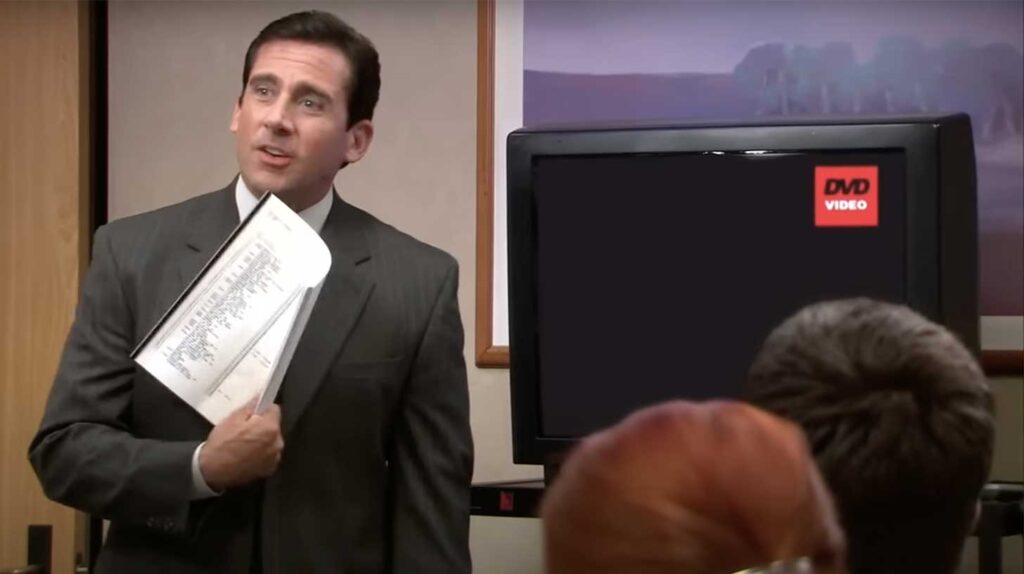
The bouncing DVD logo is a familiar part of DVD player nostalgia. Watching it approach a corner can be surprisingly entertaining, whether you remember the original screensaver or the scene from "The Office" where everyone waits for a corner hit. This tool lets you recreate that moment with your own colors and settings.
Frequently Asked Questions
Does the DVD logo start automatically?
Yes. The preview starts playing when the page loads. You only need to click or tap to enter full screen.
Can I choose the logo color?
Yes. Select "Single color" to use one color, or select "Change on bounce" and choose the colors you want in the palette.
Can the DVD logo hit a corner?
Yes, but a corner hit may take time and is not guaranteed during a short session. The corner hit counter records when the logo reaches two edges together.
Can I change the bouncing speed?
Yes. Use the Speed slider to slow down or speed up the logo while the animation is running.
Does the tool work on mobile devices?
Yes. The animation adapts to smaller screens. If your mobile browser does not support full screen for this tool, it fills the browser window instead.
Are my settings saved?
The tool saves your color, size, speed, and background settings in your browser when local storage is available.